Most burglaries don’t happen in the dark of night during a thunderstorm. But when they do, there’s a real question worth asking: what is your security system actually doing right now? The power went out 40 minutes ago. Your router has been dark since then. Your Wi-Fi-only security system — the hub, the sensors, the cameras — has been completely offline since the lights flickered. And the system you paid a monthly monitoring fee for has had no way to reach the monitoring center for 40 minutes. This isn’t a hypothetical. It’s exactly what happens to millions of homes during power outages, and most homeowners have no idea until afterward.

The Failure Chain Nobody Explains When You Buy a System
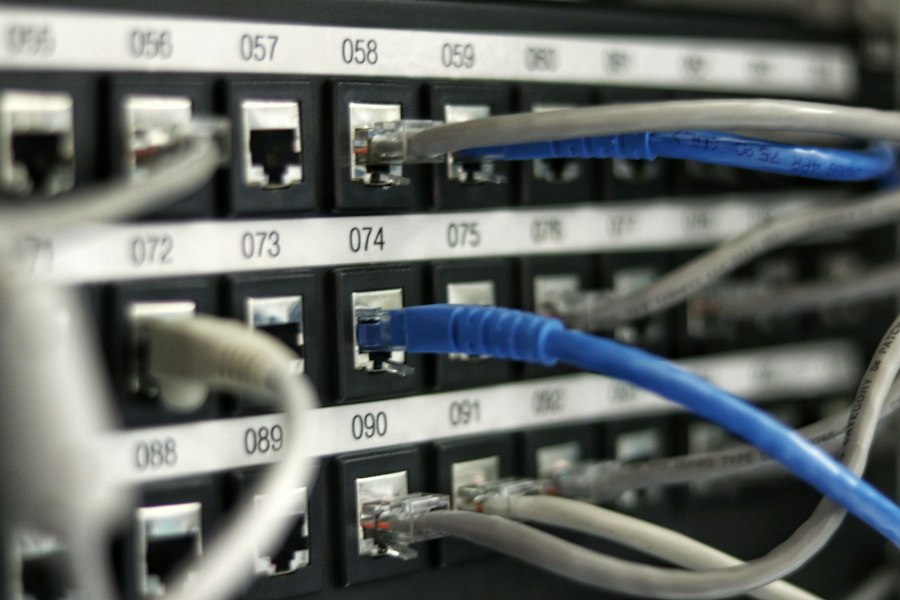
Here’s the technical reality that most security system marketing glosses over. A Wi-Fi-only home security system has three dependencies stacked on top of each other. First, the electrical grid — sensors need power, the hub needs power, cameras need power. Second, the router — even if you put your hub on a UPS battery backup, the router also needs power, and if it’s down, there’s no Wi-Fi signal to connect to. Third, the internet — even with power and a working router, if your ISP’s local infrastructure is affected, there’s no path to the monitoring center.
Take down any one of these three layers and your Wi-Fi-only system has no way to send alerts, contact monitoring centers, or report an intrusion. A power outage typically takes down all three simultaneously. Your security system doesn’t fail gracefully — it fails completely.
The Dependency Stack
Wi-Fi security systems require: electrical grid → router power → Wi-Fi signal → internet connection → monitoring center connectivity. A power outage interrupts at least the first two simultaneously. Cellular security systems require: device battery backup → cellular signal (towers have their own generator backup). This is why cellular systems survive grid outages that Wi-Fi systems don’t — the failure chain is dramatically shorter.
What “Cellular Backup” Actually Means
When a security system advertises “cellular backup,” it means the system has a built-in cellular radio — similar to the modem in a smartphone — that can connect to a carrier’s network independently of your home Wi-Fi and internet connection. The hub communicates with the monitoring center over cellular the same way your phone makes calls over cellular: no router required, no ISP required, no home network required.
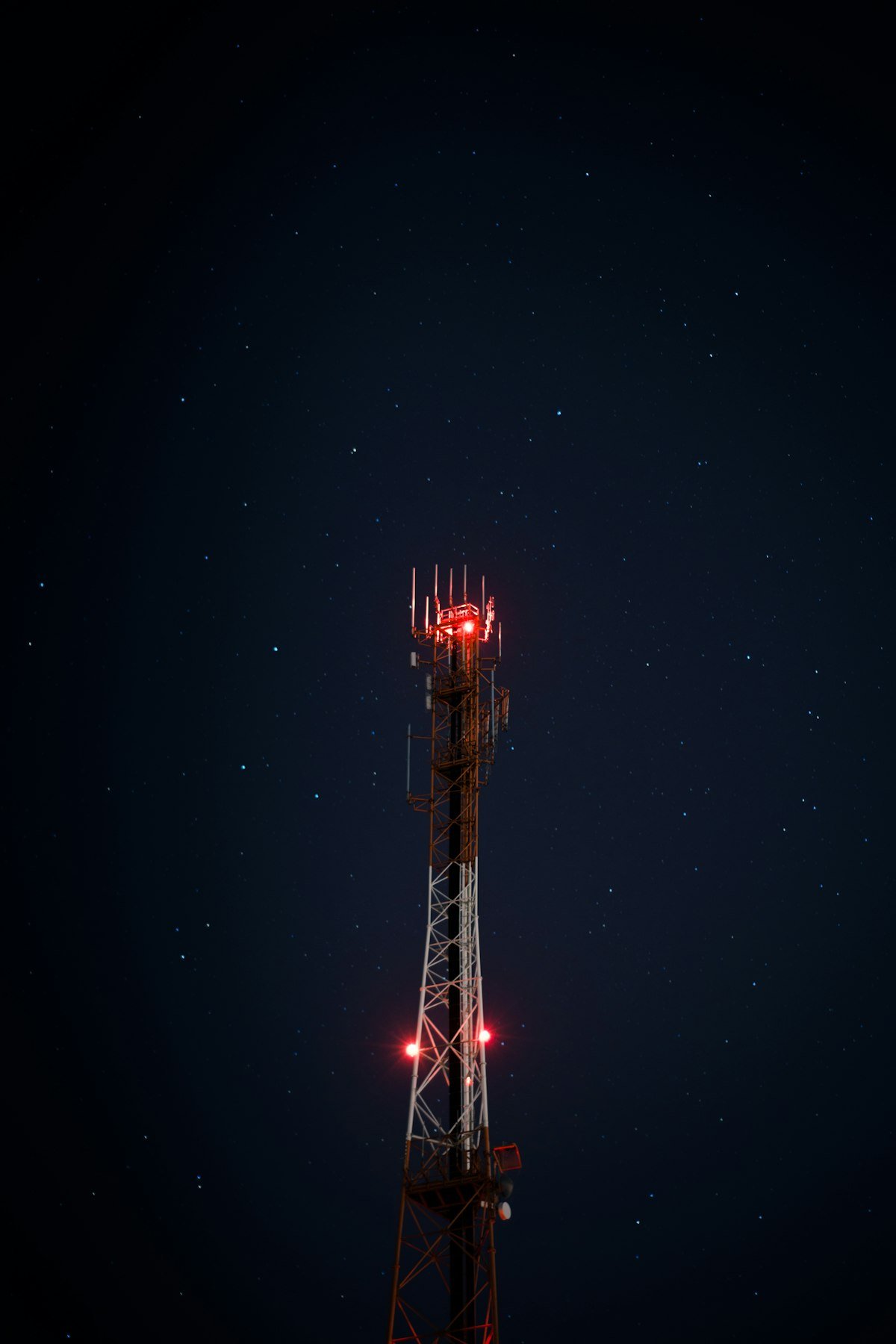
Cellular towers run on generator backup power during grid outages. The major carriers maintain their tower infrastructure specifically so emergency communications can continue when the grid is down. This is why cellular backup is the standard in commercial and professional-grade security installations — it doesn’t share the failure chain of the home network.
There’s a cost component to understand: cellular connectivity requires an active SIM account, which is why systems with cellular backup typically charge a monthly monitoring fee that covers the cellular data plan. SimpliSafe’s $19.99/month plan, Ring Protect Pro’s $20/month, and similar offerings include the cellular data costs in the monitoring subscription. You’re paying for the cellular infrastructure, not just someone answering a phone.
Wi-Fi Only: What Fails, What Survives
— All cloud-connected cameras stop recording and streaming
— Motion alerts and push notifications stop completely
— Hub loses connection to monitoring center
— Remote arm/disarm via app stops working
— Smart locks relying on cloud connectivity may lose remote control
— Video doorbells stop answering remotely
— Sensors with local battery backup may still trigger the local siren (if the hub has battery backup)
— Cameras with local SD card storage may continue recording if on UPS power
— Smart locks with local battery power still work with physical key and keypad
— Standalone entry sensors with their own battery still detect intrusion — just can’t report it anywhere
The pattern here is clear: without the network connection, your security system becomes a local alarm — loud siren if someone trips it, nothing else. No call to monitoring. No alert to your phone. No evidence upload to the cloud. If your system has local battery backup and an internal siren, it still functions as a noise deterrent. That’s not nothing — but it’s a significant step down from what you’re paying for.
The Systems That Actually Keep Working
The best home security systems in 2026 include cellular backup as a standard feature, not an upgrade. Here are the ones worth considering, and exactly what each one does when the power goes out. For a broader comparison, see our full home security system guide.
SimpliSafe 9-Piece Wireless System
SimpliSafe’s base station has its own built-in cellular radio and a 24-hour battery backup built in. When the grid goes down, the hub switches to cellular automatically — no configuration required, no manual intervention. The monitoring center continues to receive signals and can dispatch police regardless of whether your home internet is up. Sensors run on their own batteries independently of the hub power. This is the architecture that makes cellular backup meaningful: the hub stays alive on battery, communicates over cellular, and keeps the monitoring chain intact for a full day without grid power.
The 9-piece kit covers a typical 2–3 bedroom home: hub, keypad, motion sensor, entry sensors, a panic button, and a smoke detector. No long-term contract — month-to-month monitoring cancelable any time.
→ Check Price on Amazon: SimpliSafe 9-PieceRing Alarm Pro (with Built-in eero Wi-Fi)
Ring Alarm Pro takes a different approach: the base station includes a built-in eero Wi-Fi router. This matters for outages because the Ring Protect Pro subscription ($20/month) includes 24/7 backup internet via cellular — meaning Ring’s cellular connection can actually extend internet to your entire home during an outage, not just keep the alarm system connected. If you have other devices (laptops, phones) that need internet during a power outage and you’re running them on a UPS, the Ring Alarm Pro keeps them online too.
The limitation: the base station itself still needs power. Put it on a UPS and you get the full cellular-internet capability during outages. Without UPS backup, the base station goes dark when power does, regardless of cellular.
→ Check Price on Amazon: Ring Alarm ProRing Alarm 5-Piece Kit (2nd Gen)
The standard Ring Alarm offers cellular backup through the Ring Protect Plus plan at $10/month. The base station includes an internal battery that provides 24-hour backup. When your internet goes down — either from a power outage or an ISP issue — Ring switches to cellular automatically. A good entry-level cellular-backed option for smaller homes or apartments. The 5-piece kit covers a studio to 1-bedroom; additional sensors are sold separately and affordable.
→ Check Price on Amazon: Ring Alarm 5-PieceAbode Smart Security Gateway Starter Kit
Abode is the choice for homeowners who want deep smart home integration alongside cellular backup. It works natively with Apple HomeKit — which almost no other security system does — plus Alexa, Google Home, and Z-Wave/Zigbee devices. The base system works without a subscription for self-monitoring. Add the $20/month professional monitoring plan and you get cellular backup included. The hub has battery backup built in. For households already heavily invested in HomeKit, Abode is the only serious cellular-backup option that plays nicely with the ecosystem.
→ Check Price on Amazon: Abode Starter KitThe Comparison: What Each System Does When the Power Cuts
| System | Cellular Backup? | Hub Battery? | Monitoring During Outage | Monthly Fee |
|---|---|---|---|---|
| SimpliSafe 9pc | ✅ Built-in | ✅ 24hr | ✅ Full professional monitoring | $19.99/mo |
| Ring Alarm Pro | ✅ Built-in (with plan) | ⚠️ Needs UPS | ✅ + backup internet for home | $20/mo |
| Ring Alarm 5pc | ✅ With Protect Plus | ✅ 24hr | ✅ Full professional monitoring | $10/mo |
| Abode Kit | ✅ With plan | ✅ Built-in | ✅ With monitoring plan | $20/mo |
| Wi-Fi Only (generic) | ❌ None | ⚠️ Varies | ❌ Local siren only | Varies |
| Wyze/Blink cameras only | ❌ None | ❌ (except battery cams) | ❌ Nothing during outage | $0–5/mo |
The UPS Solution: Buying Yourself Time Without Changing Your System
If you already have a Wi-Fi-only system and can’t justify switching right now, a UPS (uninterruptible power supply) buys meaningful runtime by keeping your router, hub, and cameras powered during short outages. This doesn’t solve the cellular problem — if your ISP’s infrastructure is also affected, you still lose internet — but it handles the most common outage scenario: brief local power interruptions where the broader internet stays up.
The calculation is simple. A router typically draws 10–15 watts. A security hub draws 5–15 watts. A few sensors and a camera draw another 20–40 watts total. A 600VA UPS gives you 300–400 real watts of runtime. At 50 watts combined draw, that’s 6–8 hours of runtime on a fully charged 600VA unit. That covers the majority of short power outages without any cellular dependency.
APC Back-UPS 600VA / 330W
Plug your router, security hub, and a camera or two into this and your Wi-Fi security system survives most short outages. 600VA provides enough runtime for light network loads (router + hub) for 6–8 hours. Simple, no configuration, automatic switchover. The most cost-effective bridge solution for existing Wi-Fi-only setups before committing to a cellular system upgrade.
→ Check Price on Amazon: APC UPS 600VAAPC Back-UPS 650VA / 390W
Slightly more capacity than the 600VA — worth the extra $15 if you’re running more devices (NVR, additional cameras, multiple hubs). The extra wattage headroom also means the battery degrades more slowly under typical loads, extending overall battery life. A practical all-in-one choice if you want to keep a router, hub, and two cameras running through a typical overnight outage.
→ Check Price on Amazon: APC Back-UPS 650VACameras: Local Storage vs. Cloud — The Outage Blind Spot
Even with cellular backup on your alarm system, cameras are a separate problem. Most cameras upload footage to the cloud in real time or on a rolling basis. If your internet is down — even if your alarm system has cellular backup — your cameras may not be recording usable footage to anywhere retrievable. The footage exists locally on the camera’s SD card (if it has one), but cloud backup stops during internet outages.
This matters because the recording gap happens at exactly the time when the footage would be most valuable. A break-in during an extended power outage leaves you with potentially no cloud footage of the event. The solution is a camera with meaningful local storage — an SD card slot with continuous local recording that doesn’t depend on the cloud at all.
The Reolink Argus 4 Pro records continuously to a local SD card (up to 512GB) on solar power. No internet required. No subscription required. It keeps recording whether your internet is up or not — and the solar charging means it doesn’t depend on the electrical grid either. For the entry points burglars use most, having at least one camera with guaranteed local recording is a meaningful backup layer. See our full wireless outdoor camera guide for more options in this category.
Reolink Argus 4 Pro — 4K Solar, Local Storage, No Subscription
Solar charging eliminates grid dependency for power. Local SD card recording continues regardless of internet status. 4K resolution, 180° dual-lens field of view, color night vision. During extended grid outages, this camera keeps recording while cloud-only cameras go dark. Zero monthly fee required for local recording.
→ Check Price on Amazon: Reolink Argus 4 ProScenario Planning: What Happens to Your System Right Now
Before deciding what to buy or change, it’s worth walking through the specific failure scenarios your current setup faces. These are the three most common.
Scenario 1: Brief Power Outage (Under 4 Hours)
- Wi-Fi only, no UPS: System offline immediately. No monitoring, no alerts, no camera cloud backup.
- Wi-Fi only + UPS on router and hub: System likely stays online for the duration if ISP infrastructure is unaffected. This covers most brief local outages.
- Cellular backup system: Automatic switch to cellular. Monitoring continues uninterrupted. Cameras with local storage keep recording.
Scenario 2: Extended Outage — Storm, Infrastructure Failure (8–24+ Hours)
- Wi-Fi only, no UPS: Everything offline for the full duration. Completely dark.
- Wi-Fi only + UPS: UPS battery depletes in 6–8 hours at light loads. After depletion, same as no UPS. ISP may also be offline regardless.
- Cellular backup system: Hub battery holds for 24 hours on SimpliSafe and Ring. Cellular tower generators run 24–72 hours. Monitoring continues for most of the outage window. Solar cameras keep recording indefinitely.
Scenario 3: Internet Outage Without Power Failure (ISP Down, Grid Up)
- Wi-Fi only: Hub stays powered but loses internet connection. No cloud alerts, no monitoring center communication. Local siren still works.
- Cellular backup system: Automatically switches to cellular. Monitoring continues. You likely don’t notice the ISP is down until you try to use your phone on Wi-Fi.
The Bottom Line Decision
If you’re paying for professional monitoring and don’t have cellular backup, you’re paying for a service that has a significant known failure condition. Whether that matters to you depends on how often your area experiences power outages and how long they typically run.
The practical path forward:
- Add a UPS to your current setup immediately (~$70–85). This handles brief outages and ISP-but-not-grid failures with zero system change. Do this regardless of what else you decide.
- If you’re in an area with frequent or extended outages, move to a cellular-backed system. SimpliSafe or Ring Alarm are the most straightforward paths. The price difference in monthly fees versus a Wi-Fi-only system is offset by what you’re actually getting for the monitoring cost.
- Add at least one local-storage camera at your most critical entry point. Even if your alarm system is cellular, having a camera that records locally ensures footage survives any outage length.
Understanding how quickly a break-in can happen puts the monitoring gap in context. If a burglar can be in and out in under 10 minutes and your system has been offline for four hours, the monitoring gap is what matters — not the lock grade, not the camera resolution. What the research on burglary deterrence consistently shows is that the response capability of your system matters as much as the deterrence signals. A system that can’t reach anyone isn’t a security system during an outage — it’s a local siren with a monthly fee.
SafeNestGuide.com participates in the Amazon Associates Program. Links on this page are affiliate links — we earn a small commission if you purchase through them, at no extra cost to you.
1 thought on “Wi-Fi vs. Cellular: Which Security System Won’t Fail When the Power Goes Out?”